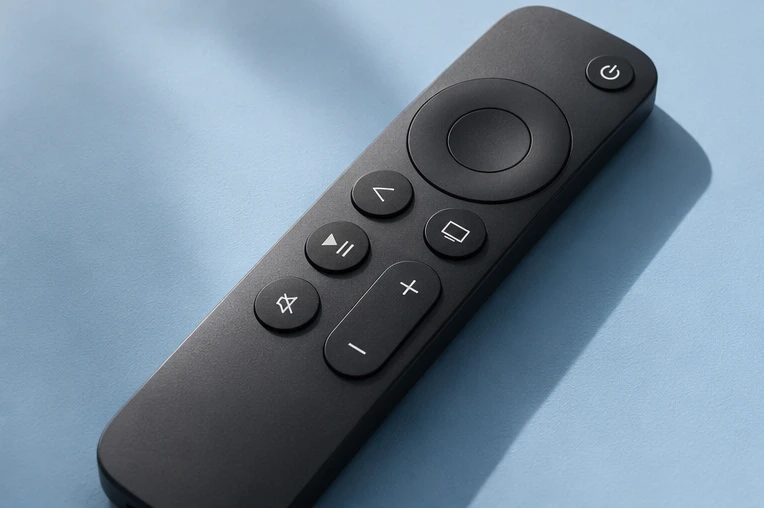
Best IPTV player for Firestick.
A good Firestick player is quick with the remote, shows a TV guide and takes an Xtream Codes login. Here is what to choose and how to get it.
Updated 15 November 2026 · IPTV Guy setup team
The best player for Firestick.
On a Fire TV Stick, the best IPTV player is one that is quick with the remote, shows a proper TV guide and accepts an Xtream Codes login. We send IPTV Guy customers a Downloader code for the player we recommend for their exact Fire TV model.
Your model matters.
- Find it in Settings → My Fire TV → About.
- Most Fire TV Sticks run Fire OS: players install with Downloader and a code.
- The Fire TV Stick 4K Select uses Vega OS, which needs a separate compatibility check.
A good Firestick player has:
- A TV-guide grid you can move through with the remote.
- Xtream Codes login, so the guide and movie sections load by themselves.
- A light design that runs smoothly on a stick with limited memory.
- Regular updates from its developer.
Players Fire TV users talk about.
TiviMate
Popular for its TV-guide grid. Built for Android-based TV devices.
IPTV Smarters Pro
Simple Xtream Codes login and separate live, movie and series sections.
Our recommended player
We send a Downloader code for the player that suits your model.
Get the best picture.
- Use an Ethernet adapter if the router is close.
- Restart the stick now and then: hold Select and Play/Pause for about five seconds.
- Keep only one IPTV player installed to save memory.
Firestick players, answered.
Which IPTV app is best for Firestick?
One that is remote-friendly, shows a TV guide and takes an Xtream Codes login. Send us your model and we send the code for our recommended player.
Is TiviMate good on Firestick?
Many Fire TV owners use it for its guide grid. Ask us before installing so we can check your model.
Why can’t I install apps on my Fire TV Stick 4K Select?
It runs Vega OS rather than Fire OS. Message us to confirm a compatible option.
Do I need to pay for the player?
Many players are free to download. Some sell optional upgrades.
Watch on your terms.
Try it free for 24 hours on your own screen before choosing a plan.