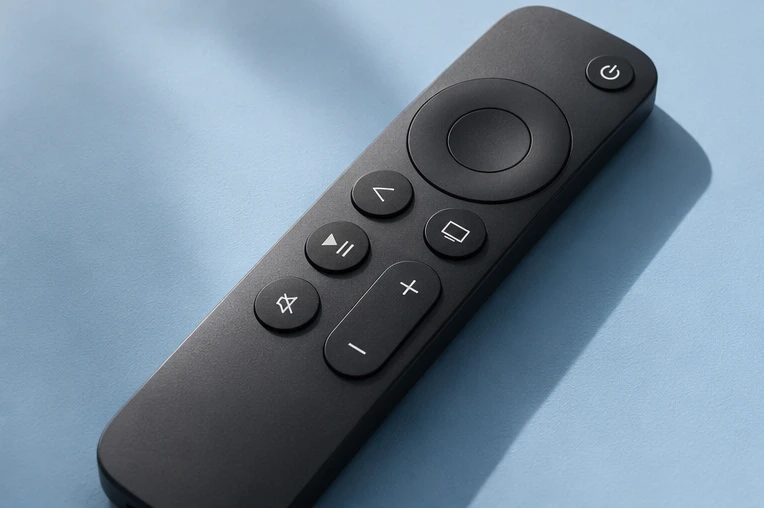
How to fix IPTV buffering.
A freezing picture can come from your connection, the player or an individual stream. Start by checking what else plays smoothly.
Find the cause.
Compare channels
Try a different live channel and an on-demand title. If only one stream freezes, tell support its name and when it happened.
Check the viewing device
Test the connection on the device that is buffering. If possible, try Ethernet or move closer to your Wi-Fi router and replay the same stream.
Check the player
Restart the player and check for updates. If the issue continues, share the device model, player name and the comparisons you tried.
Several screens on one login?
If two devices share one login, streams can stop or be refused when a second screen starts. Buy a plan and get 30% off a separate connection for each extra device. Get 30% off an extra connection →
Related fixes.
Internet speed & Wi-Fi
How much speed you need and why a cable helps. Internet speed for IPTV →
Two screens at once
Each screen needs its own connection. Multiple devices →
Channels not loading
Empty list or black screen. Channels not loading →
Watch on your terms.
Try it free for 24 hours on your own screen before choosing a plan.