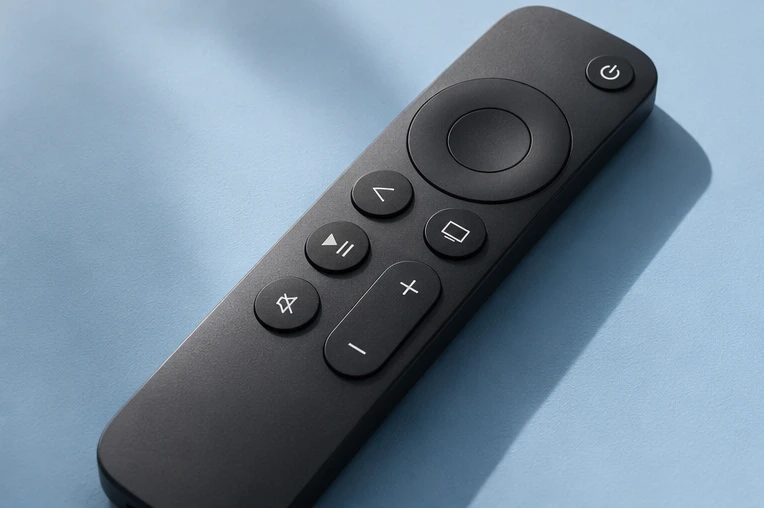
IPTV box: do you need one?
An IPTV box plugs into your TV and runs the player app. Here is when you need one, which type to choose, and what to avoid.
Updated 15 November 2026 · IPTV Guy setup team
What is an IPTV box?
An IPTV box is a small device that plugs into your TV’s HDMI port and runs an IPTV player. You only need one if your TV cannot run a suitable app, or if you want a smoother, remote-friendly setup.
Three kinds of box.
Streaming sticks
Fire TV Stick and similar. Small, cheap and popular. Firestick guide →
Android TV & Google TV boxes
Google TV Streamer, Chromecast with Google TV, Nvidia Shield and other certified boxes. They run TiviMate from Google Play. Android TV guide →
MAG boxes
Dedicated IPTV boxes that use a built-in portal instead of an app. MAG box guide →
Box or no box?
- Samsung or LG smart TV: try IBO Player first. You may not need a box. IBO Player →
- Older TV, or the app is missing: a stick or box is the easy fix.
- Roku: Roku has no supported IPTV player, so add a stick. Roku guide →
- Buffering on Wi-Fi: a box with an Ethernet port (or an adapter) can help.
Before you buy a box.
- Choose a well-known brand with official app store access (Google Play or Amazon).
- Avoid “fully loaded” boxes sold with apps already installed. They can be unsafe and stop working.
- An Ethernet port, or an adapter, gives the steadiest picture.
- Send us the model before you buy and we will confirm it works.
IPTV boxes, answered.
Do I need an IPTV box?
Not always. Many smart TVs can run a player app. A box helps when your TV can’t, or for a smoother setup.
Which IPTV box is best?
A certified Android TV or Google TV box, or a Fire TV Stick, works well for most homes. Send us the model to check.
Are “fully loaded” boxes OK?
We recommend avoiding them. Buy a normal box and install apps from official stores.
Can one box work on two TVs?
One box plays on the TV it is plugged into. For a second TV, add another device. Buy a plan and get 30% off a separate connection for each extra device. Get 30% off an extra connection →
Do you sell boxes?
Message us with your setup and we will suggest what to use.
Watch on your terms.
Try it free for 24 hours on your own screen before choosing a plan.